BeforeThe phone rings at peak time and nobody can answer without leaving service.
With NexuniaThe booking confirms itself by phone, WhatsApp or chat, without interrupting service.
Restaurant specialist agent
Available now
In the middle of service, when nobody can pick up, the AI keeps confirming bookings, answering menu questions and serving in several languages — and you manage tables, menu, orders, kitchen and staff from the same panel.
BeforeThe phone rings at peak time and nobody can answer without leaving service.
With NexuniaThe booking confirms itself by phone, WhatsApp or chat, without interrupting service.
BeforeRepeated questions about allergens, opening hours or whether there is a set menu.
With NexuniaThe AI answers about the menu, allergens and hours using your real information.
BeforeA foreign customer calls and nobody on shift speaks their language.
With NexuniaIt serves in Spanish, Catalan and English, regardless of who is on shift.
Venue name, time zone, address and service shifts.
Visual editor for tables and rooms — drag, resize and rotate.
By phone, WhatsApp or web chat, created by the AI or by hand, with real concurrency protection: the same table is never assigned twice.
Customers waiting for a table to free up; the AI notifies them as soon as there is one.
A deposit for large groups before confirming the table.
Categories, menus with validity dates, and dishes with photo and allergens.
Colours, logo and format of the public menu, with live preview.
A public web page for your menu with a QR per table, allergens and your brand — also on your own domain (menu.yourrestaurant.com).
The AI serves from each table's QR and a human waiter confirms every order before it goes to the kitchen.
Waiter order per table — open, add dishes and send to the kitchen.
Kitchen queue with sent and ready orders; mark each one ready when it's done.
Who works each shift, rotations, holidays and minimum cover.
Ingredients and supplies with low-stock alerts.
Available now
Our own engine with real concurrency protection: the same table is never assigned twice, even if several bookings come in at once by phone, WhatsApp and web chat.
Table for 4 tomorrow at 9pm
Availability checked
I have a table for 4 at 9pm. Shall I book it?
Yes
Table booked and locked in
Available now
Your customer scans the QR code at their table and orders by chat with the AI — but a human waiter confirms every order before it goes to the kitchen. The AI never sends it through on its own, and the kitchen screen stays in sync at all times.
2 orders of croquettes and a salad
Got it. Any drinks?
Sparkling water
Order sent to a waiter for confirmation
Confirmed by the waiter — in the kitchen
Available now
The AI asks for the deposit during the booking conversation itself — you never need to request it manually — and sends the payment link by WhatsApp; Stripe or Revolut confirm the payment automatically.
Booking for 8 on Saturday at 10pm
For large groups we ask for a deposit to confirm the table. I'll send you the payment link by WhatsApp.
Payment link sent
Deposit received — table confirmed
Available now
If there's no free table, your customer joins the waitlist — as soon as one opens up, it's offered automatically in order of arrival.
Do you have a table for 2 right now?
We're fully booked right now — I'll add you to the waitlist, you're first in line.
On the waitlist
Table free — we've let you know by WhatsApp
Available now
Someone on your team looks up a customer who stopped coming and, with one click from the dashboard, the sales agent calls them to invite them back — different from the automatic customer reactivation engine, which is schedulable and multi-channel.
Someone on your team clicks "Call" on Marta's profile
Hi Marta, I'm your restaurant's assistant — it's been a while since we've seen you, would you like to book a table this week?
Yes, Friday works great!
Booking logged after the call
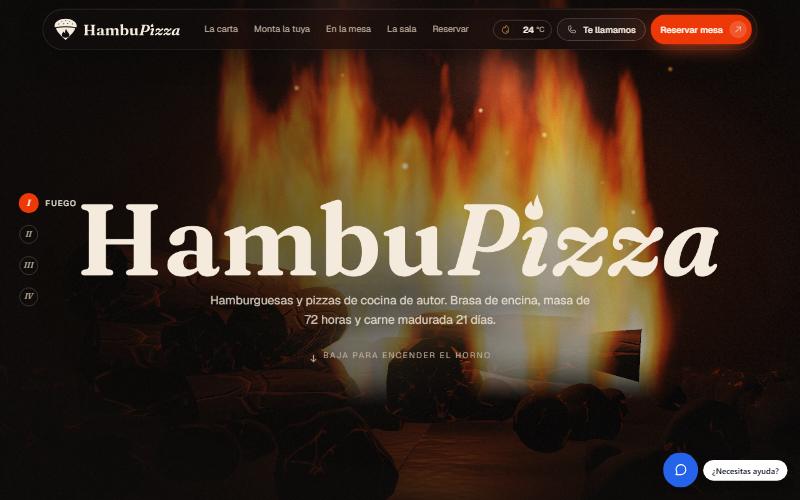
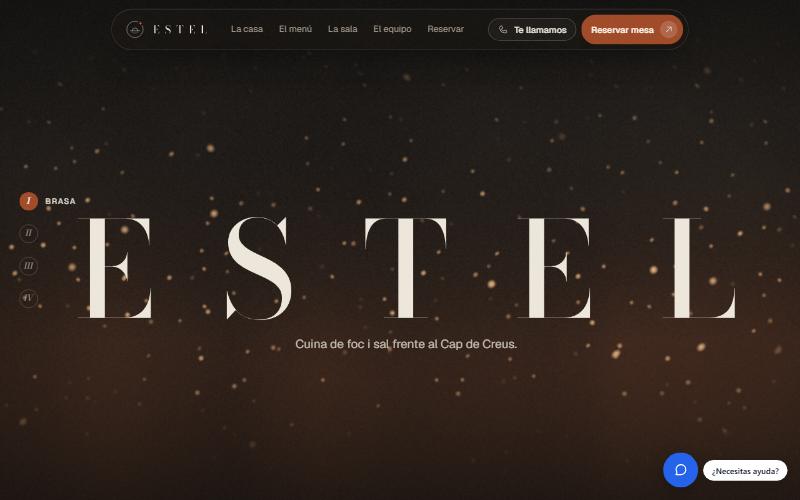
Demo websites with Nexunia built in, using fictitious data.
Yes. It confirms table bookings as usual and, with the deposit module, can ask large groups for a deposit before confirming; you can also have those bookings escalate straight to your team.
It answers from the information you give it (menu, allergen sheets).
Yes: with the Digital Waiter the customer scans their table's QR and orders by chat, and a human waiter confirms every order before it goes to the kitchen.
Request early access: it's open to any business and we'll get in touch to activate it.
Request accessCatalogue, orders and payment links inside the conversation.
From enquiry to enrolment, attendance and fees.